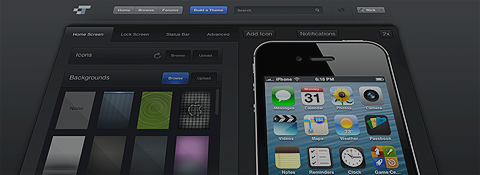
Customize your iPhone, iPod touch, or iPad. CodeThemed's online theme creator allows you to build WinterBoard themes for your jailbroken Apple mobile devices easily. Browse through a wide variety of iPhone themes, iPod touch themes, and iPad themes.

Sign In


Please enter your username and password below to start customizing your mobile device.


Forgot your password?

Feedback

We appreciate your input. If you are having issues with the site, please be sure the problem hasn't already been reported at our Bug Tracker.

If you would like to donate to help support the growing of our site, you may do so with the button to the right.


Welcome new jailbreakers! The all-new, redesigned CodeThemed is nearly complete! In the meantime, you may experience some issues with themes on iPhone 5 and iOS 6.1. Learn more about the new CT here!

Interested in advertising? Click here.

CodeThemed Mobile 2.0

Our latest and greatest app update!

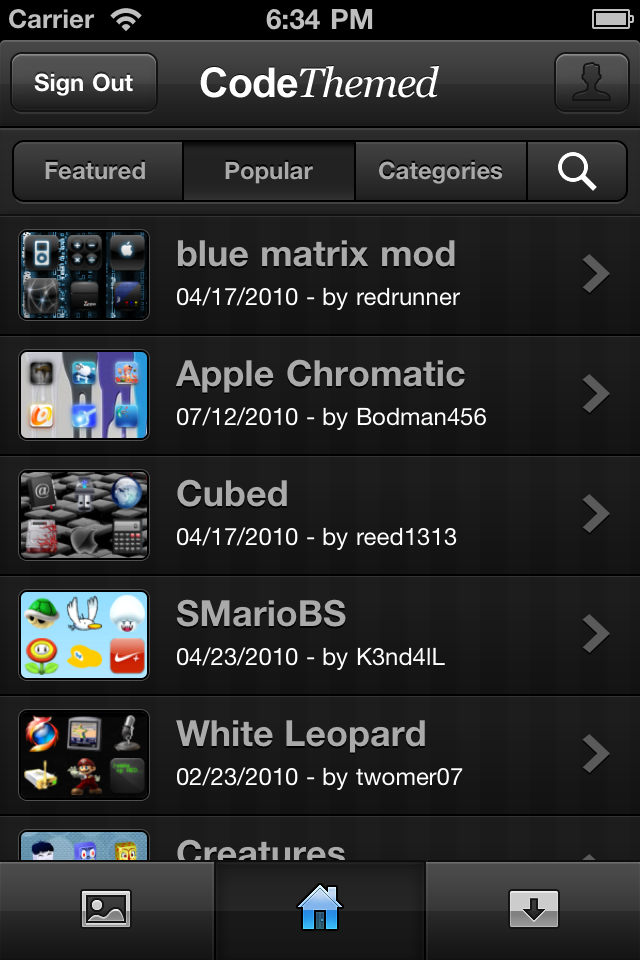
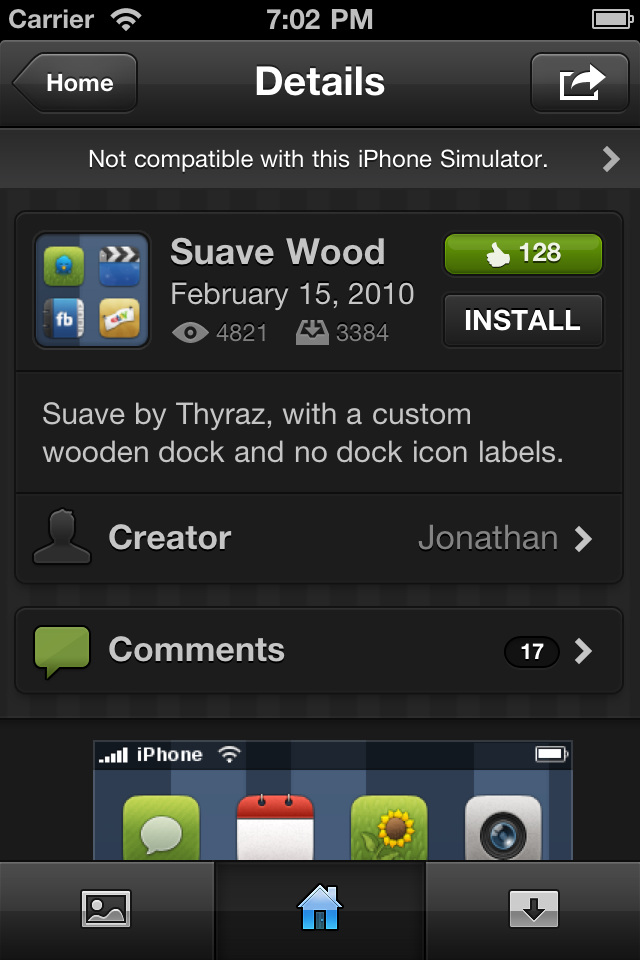
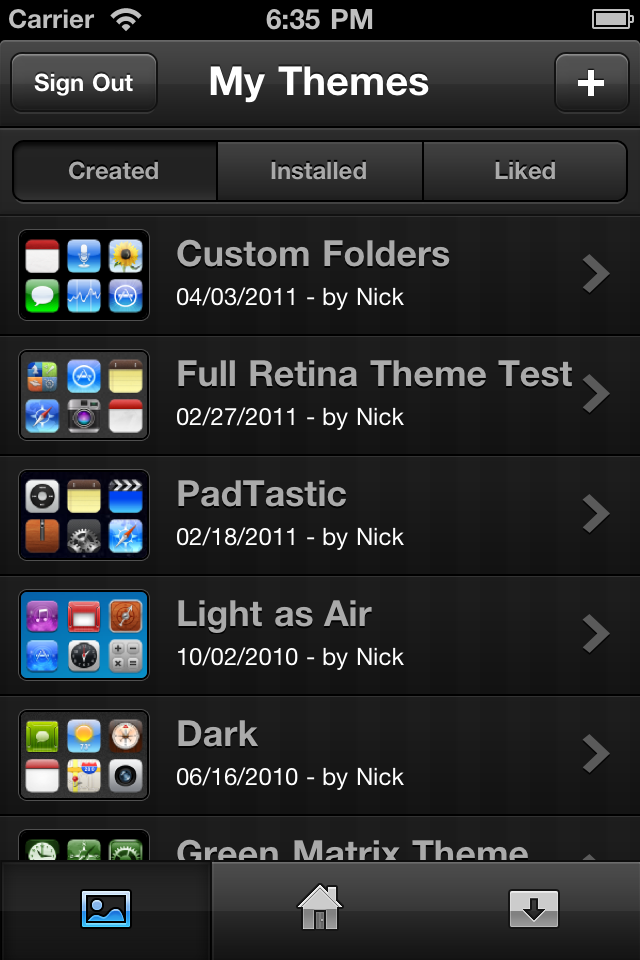
We've recently been working on a completely new iPhone app. The design is beautiful, it works nicely, and of course, is populated with over 150,000 themes. Finally today it's available in Cydia and we're thrilled to get it in your hands.


The first thing you'll see when signing in is the Browse tab, where you can look through featured and popular themes, browse by category, or search by term. Tap a theme to view it, or swipe across one to like, share, download, or ..


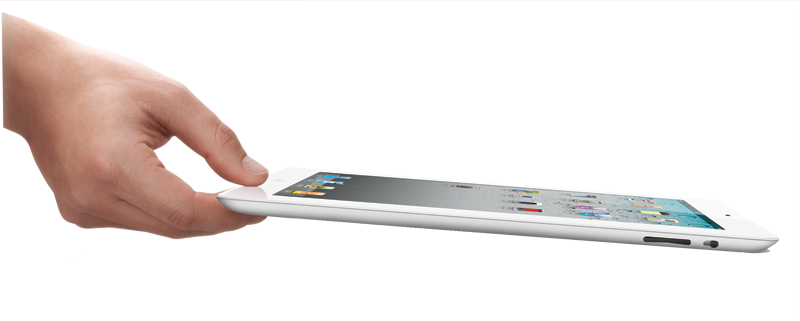
Welcome iPad 2!

The iPad 2 has just recently been jailbroken by the never-disappointing @comex. Because of this, you can now open your device up to all of the great tweaks and themes jailbreaking brings.


If you're just as excited as we are, on your iPad visit www.jailbreakme.com in Safari, and hit the 'FREE' App Store-style button to install Cydia. From there, you'll need to turn off and turn back on your device. Finally, install WinterBoard and install CodeThemed from Cydia, and ..


Builder 2.1 - Now Available!

iPhone 4, iPod touch 4, and iPad

We're proud and excited to announce today's release of Theme Builder 2.1 with so many additions and upgrades. Our previous two week beta period has been quite a success, and we thank you all who contributed.


So what's all in this release?

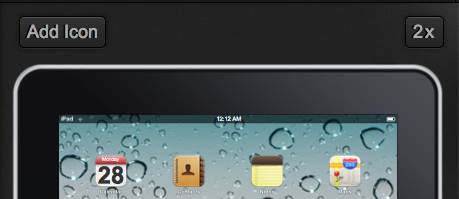
Retina + iPad: You can now theme your iPhone 4 or iPod touch 4 and take advantage of their gorgeous, HD Retina displays. Not only are we adding these devices, but both iPad 1 and iPad 2 are also now supported.

Double-Sizing: Use the ..


IOS 4.3

Worth the Upgrade?


As you all know, iOS 4.3 has arrived. But, is the upgrade worth the hassle?

iOS 4.3 Specs:

  • AirPlay streaming for video in 3rd party apps.
  • Personal Hotspot (for supporting carriers)
  • New keyboard.
  • Performance tweaks.
  • Other features for iPad

The iPhone 3G and iPod touch 2G are now officially discontinued from updates as of 4.3, and won't be receiving the update. The Personal Hotspot feature will be cool for any Verizon IPhone 4 owners with an unlimited data plan. But with AT&T doing ..


Retina + iPad

Coming to Theme Builder 2.1.

We're proud to announce the official addition of three new devices to CodeThemed -- iPhone 4, iPod touch 4, and iPad. They're coming to the next Theme Builder update, v2.1.

What does this mean?
CodeThemed now fully supports the creation, previewing, and downloading of HD themes for both the iPad's large screen size and the Retina display (Apple's term for a high quality display, which makes themes look stunning). 

But, isn't the iPad's screen like, huge? How will I preview themes?
Great question! We've created an amazing solution to just that, and we call it Double Sizing. When viewing any themes that are made for the Retina display or the iPad, you'll notice a new 2x button on the upper right corner of the emulator. Clicking that will open your theme full screen, so you can see every fine detail.


Read more..


Some cool iOS tricks.

Jailbroken or not.

Here are some simple tweaks you may or may not know about for your iOS device.

Non-Jailbroken Device Tips:

  1. FaceTime - I thought every one knew about this feature but a lot of people don't know how to set it up. First, you're going to have to set up your email on your iDevice. Then, open FaceTime in Settings and sign in. Open your e-mail and verify the account, and you're all set to make video calls.
  2. MobileMe/Find My iPhone - This feature is free with ..


We're social.

Latest tweets

RSS Feeds

RSS feed iconChoose your CodeThemed RSS news feed: